

Product details

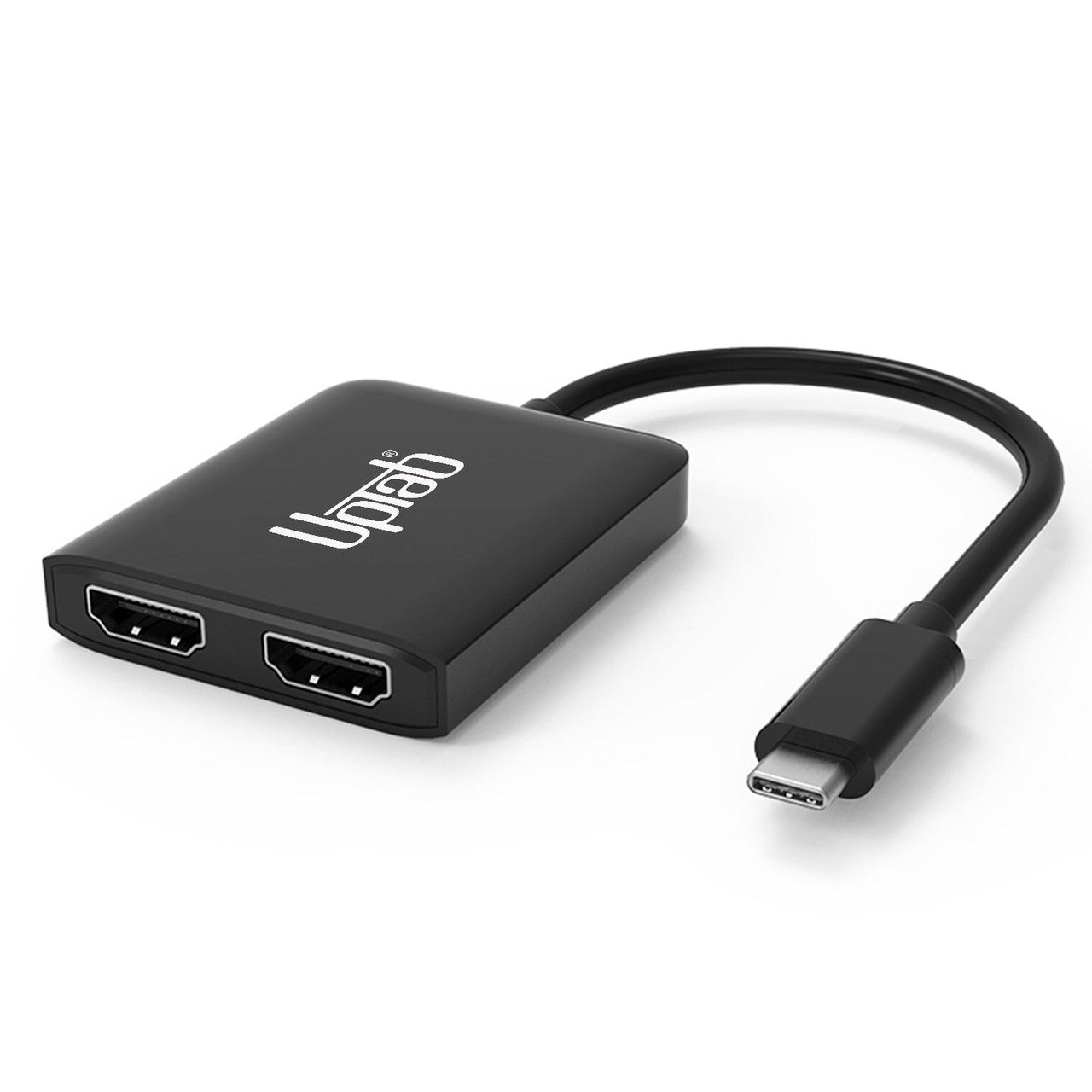
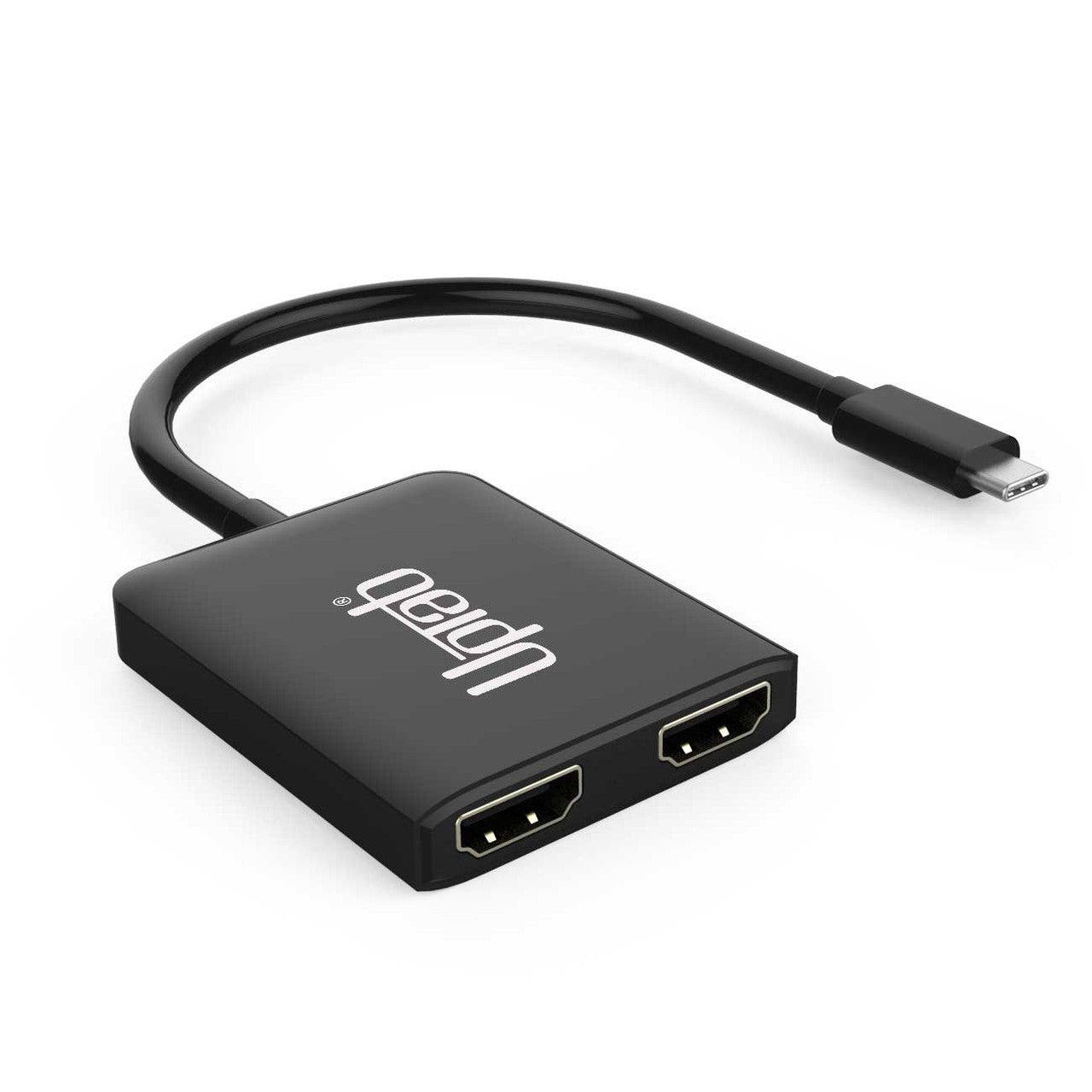
The UPTab USB-C to Dual HDMI 2.0 Adapter facilitates high-performance connectivity between a computer and UltraHD displays. Engineered for advanced computing, gaming, and graphics applications, it delivers optimal performance.

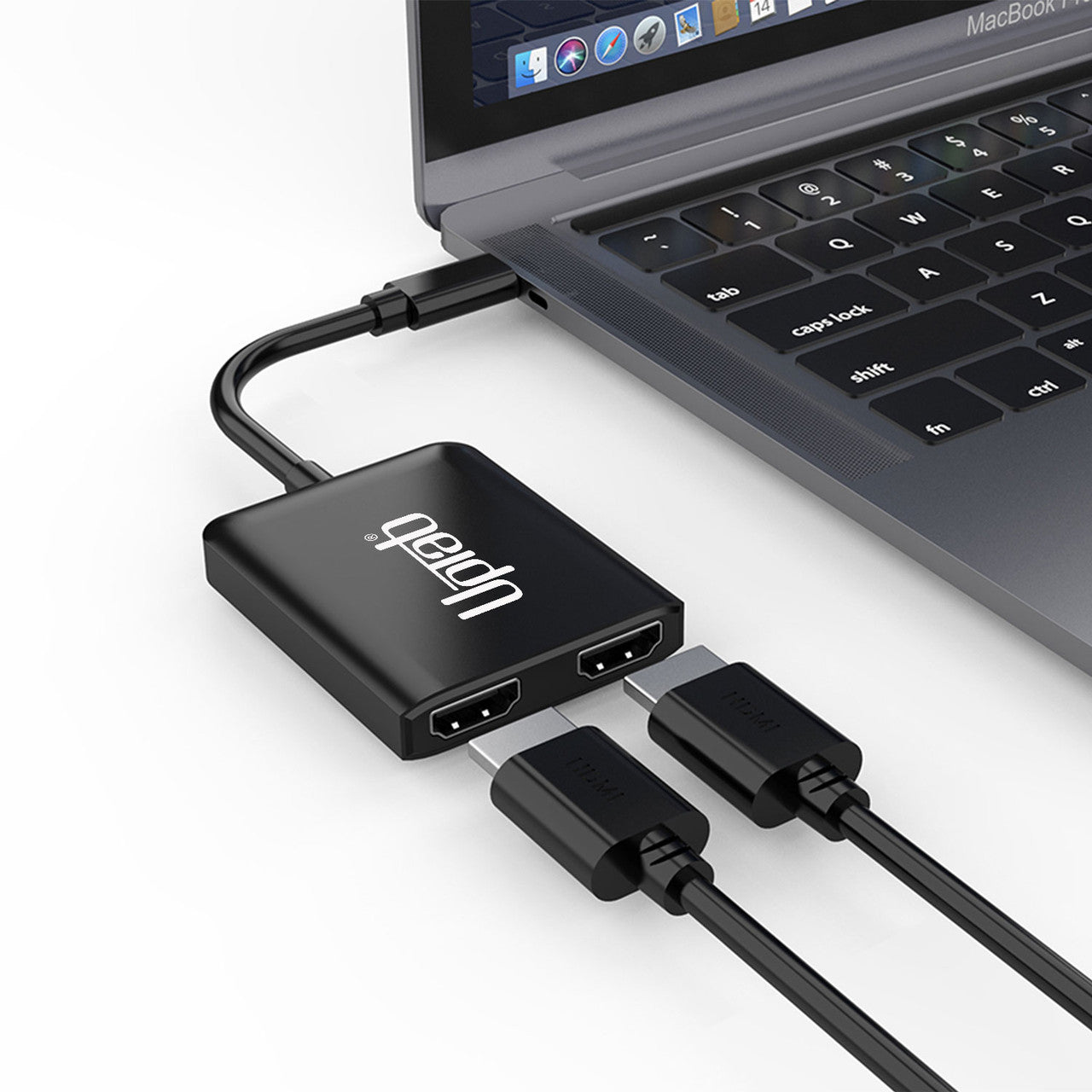
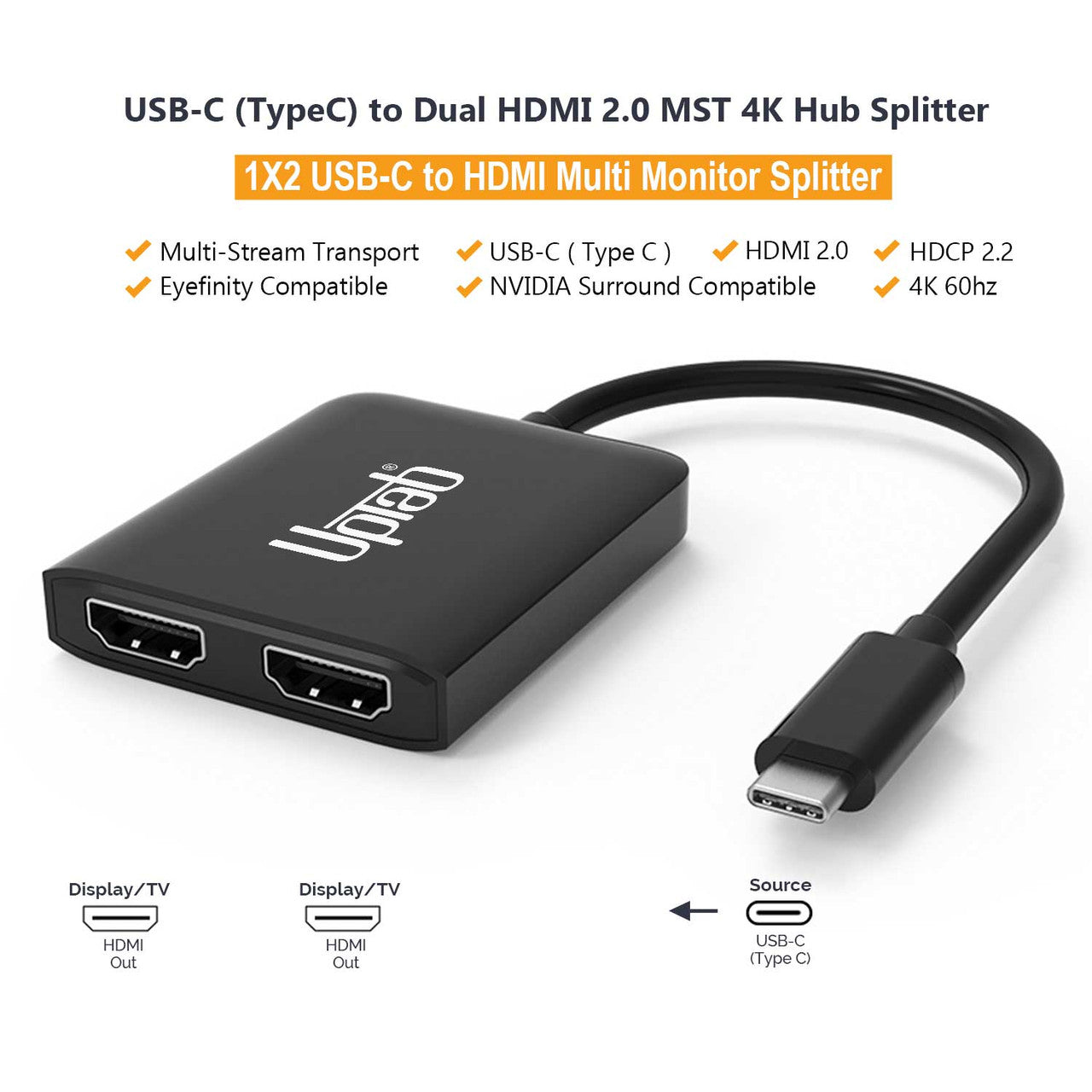
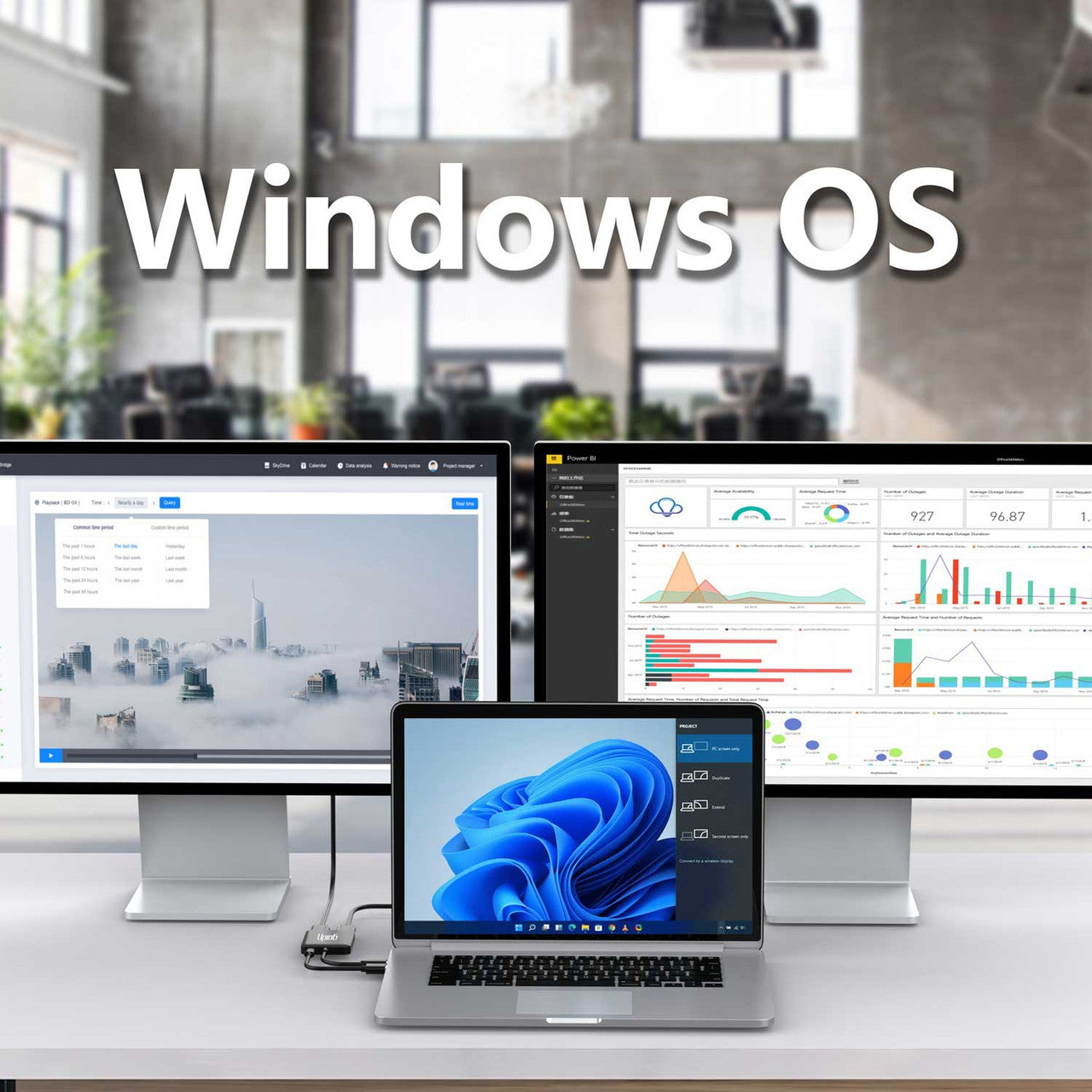
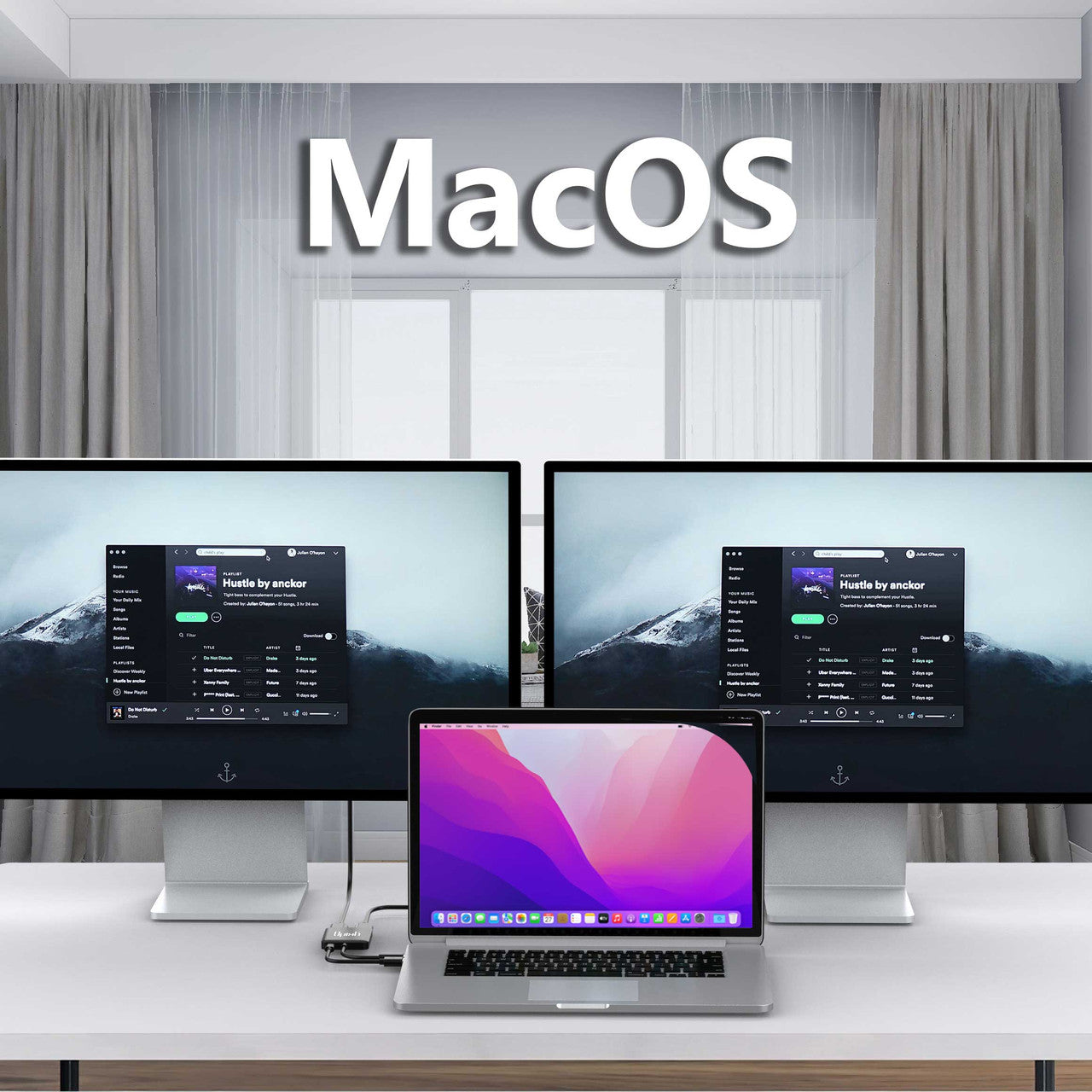
To operate, connect the USB-C connector to the host device and attach your existing HDMI cable from the display to the adapter. The unit converts the USB-C video signal to HDMI simultaneously at up to UHD 4K (4096×2160) at 60Hz. Support for 4:4:4 color format ensures true RGB reproduction without the color degradation associated with subsampling. The adapter also transmits up to 8-channel audio, enabling an immersive audiovisual experience. Video output may be directed to dual HDMI ports either individually or concurrently. Extended display mode is supported on Windows 10, 8, and 7; Apple macOS does not support Extended mode.

Specifications:

  • Input: USB-C 3.2 (DP Alt Mode)
  • Output: Dual HDMI 2.0 Ports
  • HDMI signal at up to UHD 4K 4096x2160 @ 60Hz or 1080 @ 120Hz
  • With support for the 4:4:4 color format.
  • Transmit up to 8-channel audio for an immersive audio and video experience
  • Supports Windows Display Extended and Mirror mode (MST and SST)
  • Supports macOS Mirror mode SST.

In The Box:

  • 1x UPTab USB-C to 2-Port HDMI Adapter.
  • 5 stars: 10 (71%)
  • 4 stars: 1 (7%)
  • 3 stars: 2 (14%)
  • 2 stars: 1 (7%)
  • 1 star: 0 (0%)
M
Matt
Simple et efficace

Je cherchais désespérément un moyen de brancher 2 écrans sans passer par un daisy chain car les écrans n’étaient pas compatibles, produit parfait donc, juste à brancher les hdmi et c’est parti !

L
Lucine C.M.
Perfect

Exactly what I needed. Easy plug and play!

D
Darryl F.
Works as advertised.

Works as advertised.

J
John F.
Good quality and easy to use.

Works great. Feels sturdy as I plug and unplug this item everyday.

V
VS
Two Stars

Not able to get extended displays on my Mac. Disappointing.

A
Amazon C.
As advertised

Worked good to connect my laptop to two monitors

A
Amazon C.
Start out fine, but died after 4 months!

This product started out just fine, but then one day, it just stopped working!

G
Grapeful D.
Great value for the price. Competes handily with the more expensive adapters.

Less expensive than the other, comparable adapters I found online. Worked on my new Windows 10 system without any problems at all. I now can run 3 different, independent displays from my laptop. A very minor quibble: my laptop only has 1 USB-C port and this adapter consumes it. I would like to see an included pass-through USB-C port and maybe a USB 3 port as well.

M
Max
Works great. My graphics card instantly recognized it and now ...

Works great. My graphics card instantly recognized it and now my 3 monitors work in collage (as one big monitor/ video wall)

S
SM C.
3 monitors when hooked to laptop

Other similar products only produce mirrored video, but UPTab's splitter enables to watch up to 3 independent videos at the same time. I wasted money before buying these lamed video splitters, but I am happy now to locate the right product. No need to download and install drivers as Windows automatically detect it and tune it.

B
Bates
Easy Peasy

This device solved my dual monitor issue. Bought a different one that I had to return. As soon as I plugged this in, my monitors worked perfectly. I have two 24 inch monitors plugged into my laptop docking station with this device. So, I am able to essentially use my laptop as a 3rd monitor. Makes working much easier and, mostly, paper-free.

P
Pamela W.
Great Product!

I purchased the wrong product for my needs. I needed a DP port and not HDMI. I did try it at home with my HDMI connection and it worked beautifully!

J
Jcibin
Got mine about 8 months ago - as of late screen blacks out

when it works, it's great, but then the male side of the adapter seems to be not very secure which means it's going to start wiggling and once that happens your screen will constantly go on and off. Not sure yet how I am going to fix it, surprised that no one else said anything about it. I can replicate it pretty easy, any movement of the laptop causes the screen to go out, regardless of which port in use.

i
iamroberson
I over thought this...

I originally spent a lot of time going through different docking stations, trying to find one that worked with my ASUS ROG. Apparently, they do not work well with most USB-C docking stations. Finally, frustrated, I decided to just get this splitter and try it. I was amazed. This did exactly what I needed while all of the other really expensive docks, could not!Granted, I cannot tie all of my components in however, I didn't really need all of that based on my current set up. I just needed an A:B:C monitor configuration and this did the trick.It is simple to use. Literally plugging it in made everything switch over. BOOM! It maintains the screens as needed even after powering everything off and back on. (You'd be surprised how often this is not the case.)This product is great and very inexpensive for what others out there are charging and failing to follow through on with quality or options. I will continue to recommend this to anyone that needs the same type of solution!

Free Shipping Over $50

Same-Day Shipping on Most Orders